
Renaming system files typically refers to changing the names of critical operating system or application files located in protected directories like "System32" or "Library". This action is generally unsafe because system files are specifically named so that the operating system and installed software can locate and use them correctly at startup or during operations. Altering these filenames can break vital functionality, cause applications to crash, or even prevent the computer from booting properly, unlike renaming user documents which carries minimal risk.
Examples include core system files such as DLLs (Dynamic Link Libraries) in Windows, kernel modules in Linux ("*.ko" files), or macOS system frameworks. Renaming a critical DLL like "ntoskrnl.exe" would stop Windows from starting. Similarly, changing the name of a browser's cache database file could cause the browser to malfunction until the file is restored to its original name. System administrators or developers might perform renaming under controlled conditions for debugging, but this requires deep expertise and safeguards like system restore points or virtual machines.
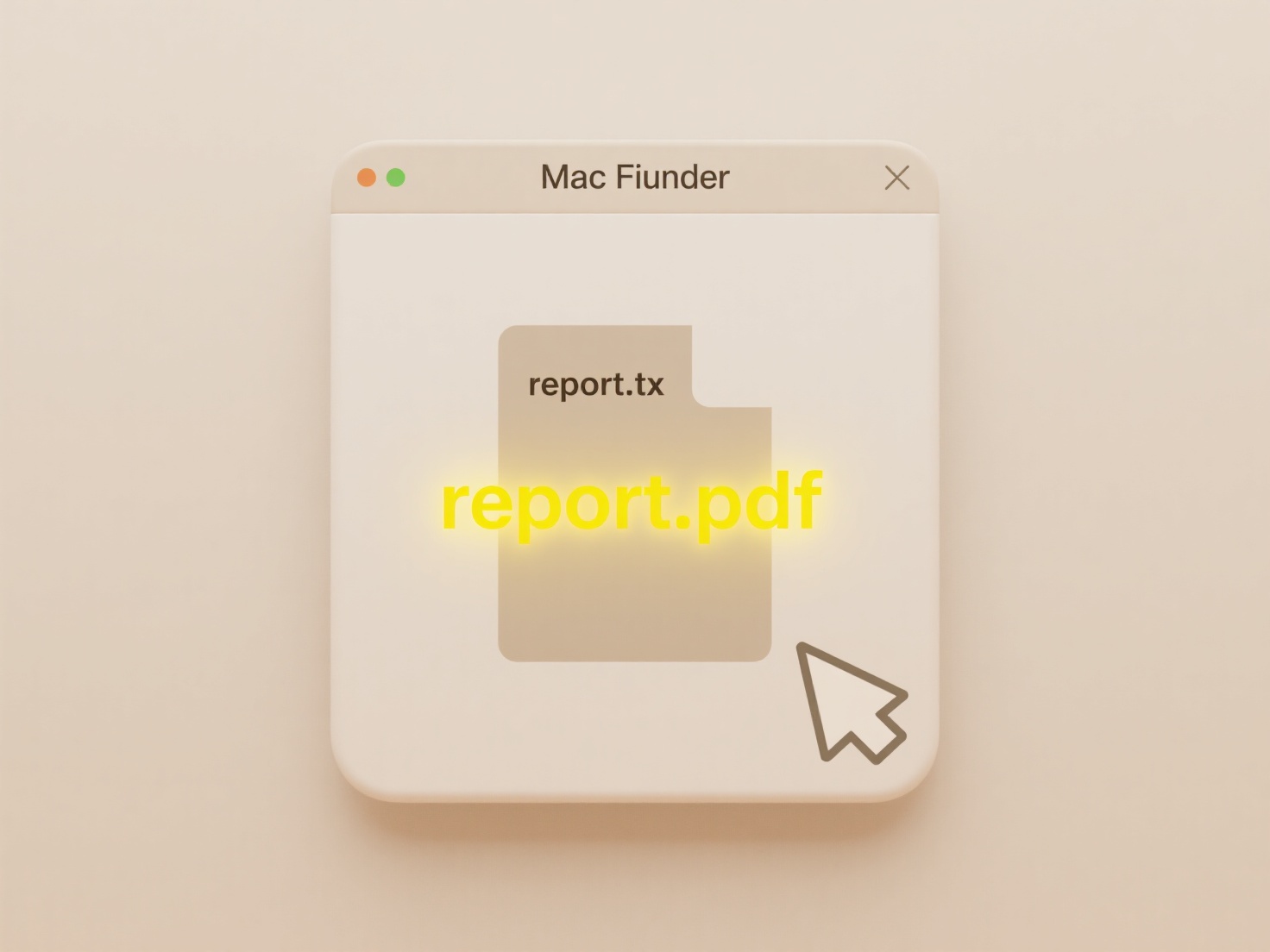
The potential dangers significantly outweigh any perceived advantages for average users. Renaming system files can lead to severe system instability, data loss, and requires complex recovery steps. While understanding filenames is important for troubleshooting, directly modifying them without absolute necessity and deep technical knowledge is strongly discouraged. Operating systems actively protect these files for good reason – modifying them bypasses built-in safeguards and carries inherent risks to system integrity, making it an inadvisable practice.
Can I rename system files safely?
Renaming system files typically refers to changing the names of critical operating system or application files located in protected directories like "System32" or "Library". This action is generally unsafe because system files are specifically named so that the operating system and installed software can locate and use them correctly at startup or during operations. Altering these filenames can break vital functionality, cause applications to crash, or even prevent the computer from booting properly, unlike renaming user documents which carries minimal risk.
Examples include core system files such as DLLs (Dynamic Link Libraries) in Windows, kernel modules in Linux ("*.ko" files), or macOS system frameworks. Renaming a critical DLL like "ntoskrnl.exe" would stop Windows from starting. Similarly, changing the name of a browser's cache database file could cause the browser to malfunction until the file is restored to its original name. System administrators or developers might perform renaming under controlled conditions for debugging, but this requires deep expertise and safeguards like system restore points or virtual machines.
The potential dangers significantly outweigh any perceived advantages for average users. Renaming system files can lead to severe system instability, data loss, and requires complex recovery steps. While understanding filenames is important for troubleshooting, directly modifying them without absolute necessity and deep technical knowledge is strongly discouraged. Operating systems actively protect these files for good reason – modifying them bypasses built-in safeguards and carries inherent risks to system integrity, making it an inadvisable practice.
Quick Article Links
How do I transfer files between iOS and Android without losing format?
Transferring files between iOS and Android while preserving formatting requires selecting methods that maintain metadata...
How do I define rules for identifying duplicates?
Duplicate identification rules are specific criteria set to detect matching or similar records within a dataset. They de...
Can I use version control folders (v1, v2, final)?
Version control folders involve manually organizing files by appending labels like 'v1', 'v2', or 'final' to folder name...